Step 1
Scan or type the stock #
Scan the VIN or just type the stock number. LotTake pulls the paint, interior, miles and equipment straight from your store's own website.
Type a stock number and LotTake writes the walkaround for that exact car. Say who it's for and it rewrites it for that customer. Then film it with the script following your voice. No training, no setup call.
On Android? Download the test version.
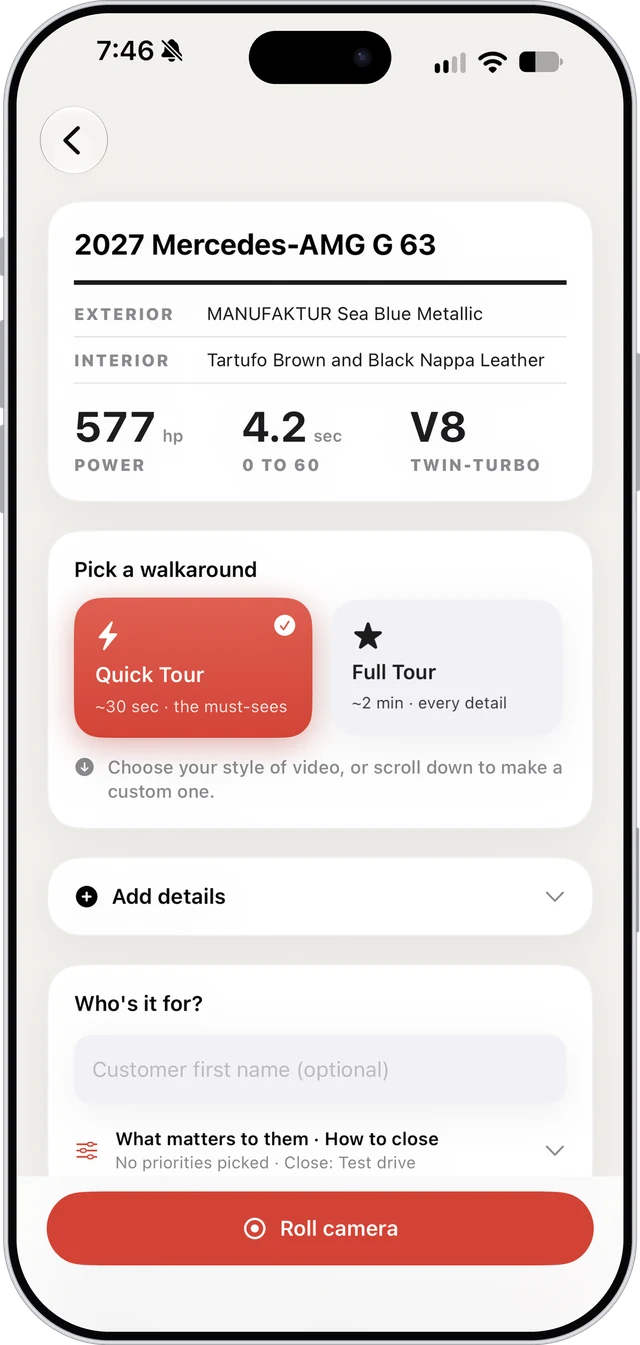
Window-sticker car cards. Horsepower and 0 to 60 up front. A scoreboard for the week. It feels like the showroom, not a spreadsheet.
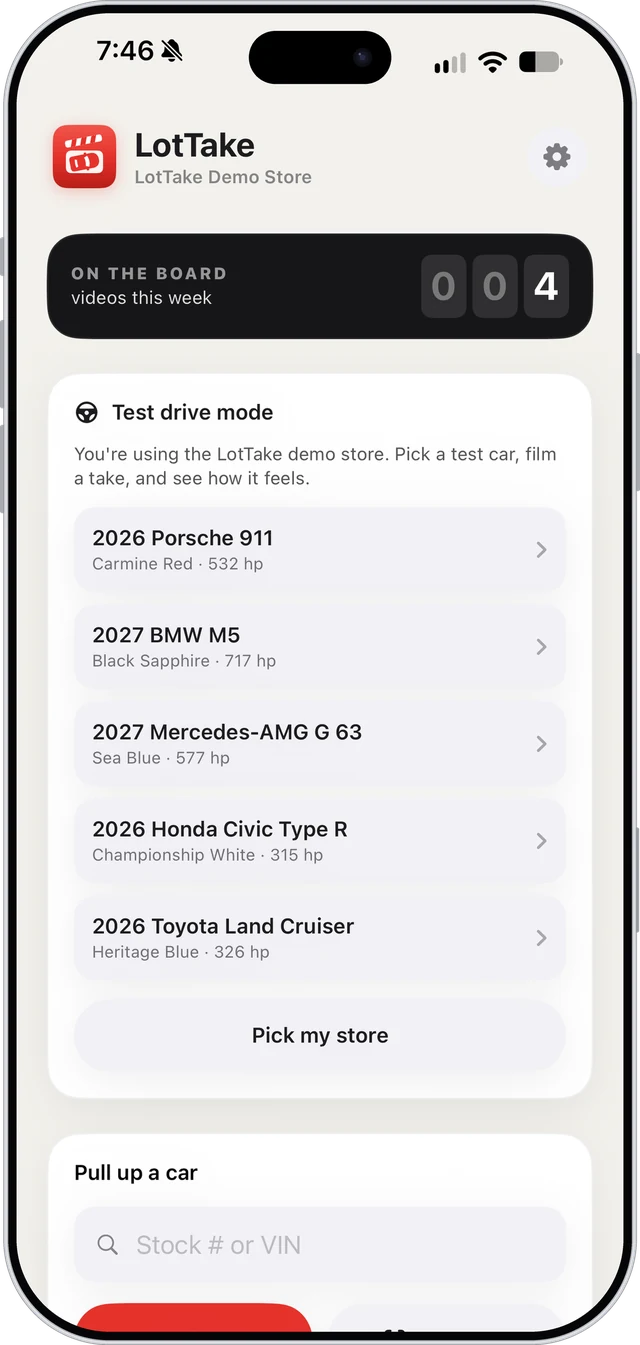
Your count for the week sits at the top of the home screen. Film one before lunch and watch it tick over.
Scan the VIN or just type the stock number. LotTake pulls the paint, interior, miles and equipment straight from your store's own website.
Quick Tour is the 30-second video a busy customer will actually watch. Full Tour walks the whole car in about two minutes. Want it your way? Pick your own talking points.
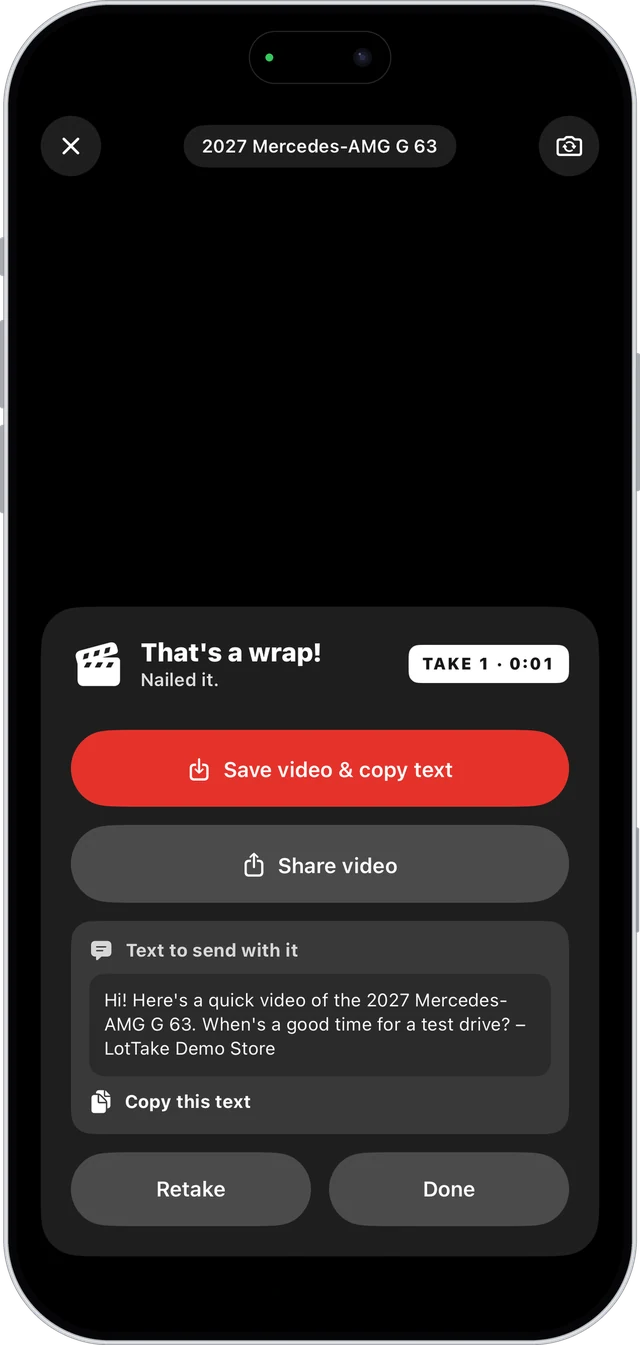
Film with your talking points on screen, or let them follow your voice. A ready-to-send text is waiting when you're done.
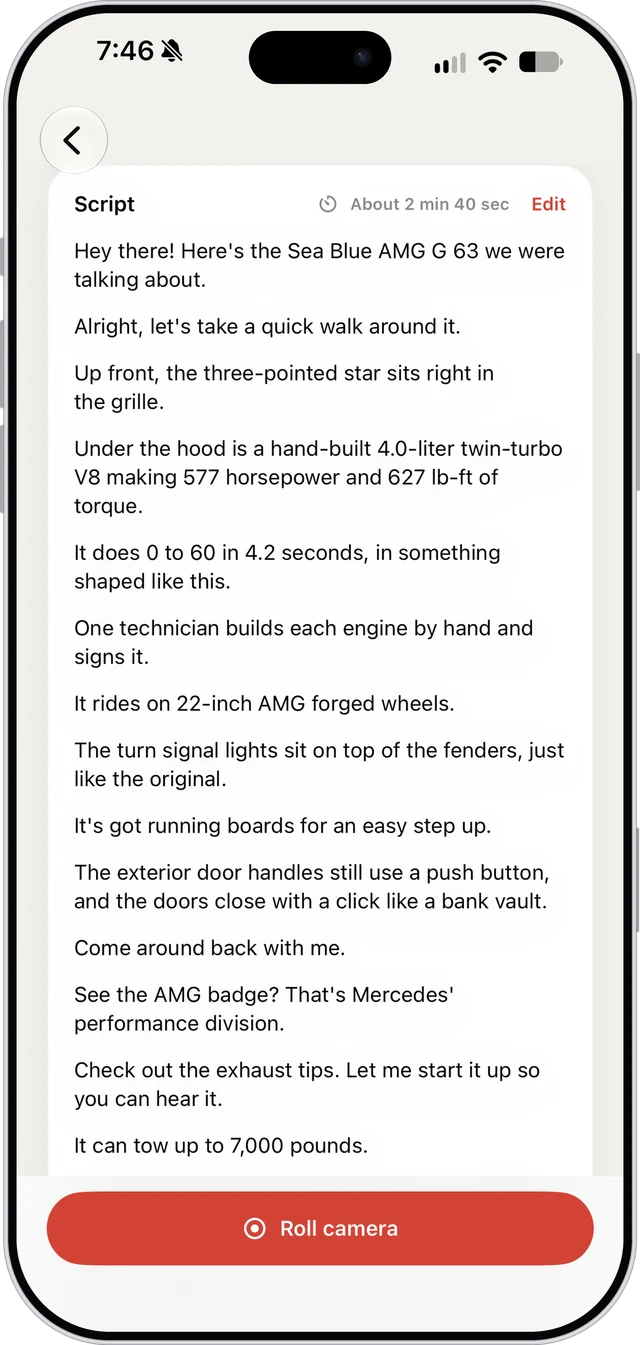
Tell LotTake about your customer and it writes the walkaround for them. Start filming and the script follows your voice.
Tap the mic and say it the way you'd tell a manager: what they drive now, what they're looking at, what matters to them. A few seconds later the whole walkaround is rewritten around that customer.
It only uses what's really on that car. Every number is checked against the car's own details before it reaches your screen, so nothing is made up.
Quick Tour or Full Tour, in your voice. Don't like it? One tap brings the standard script back. On iPhone now.
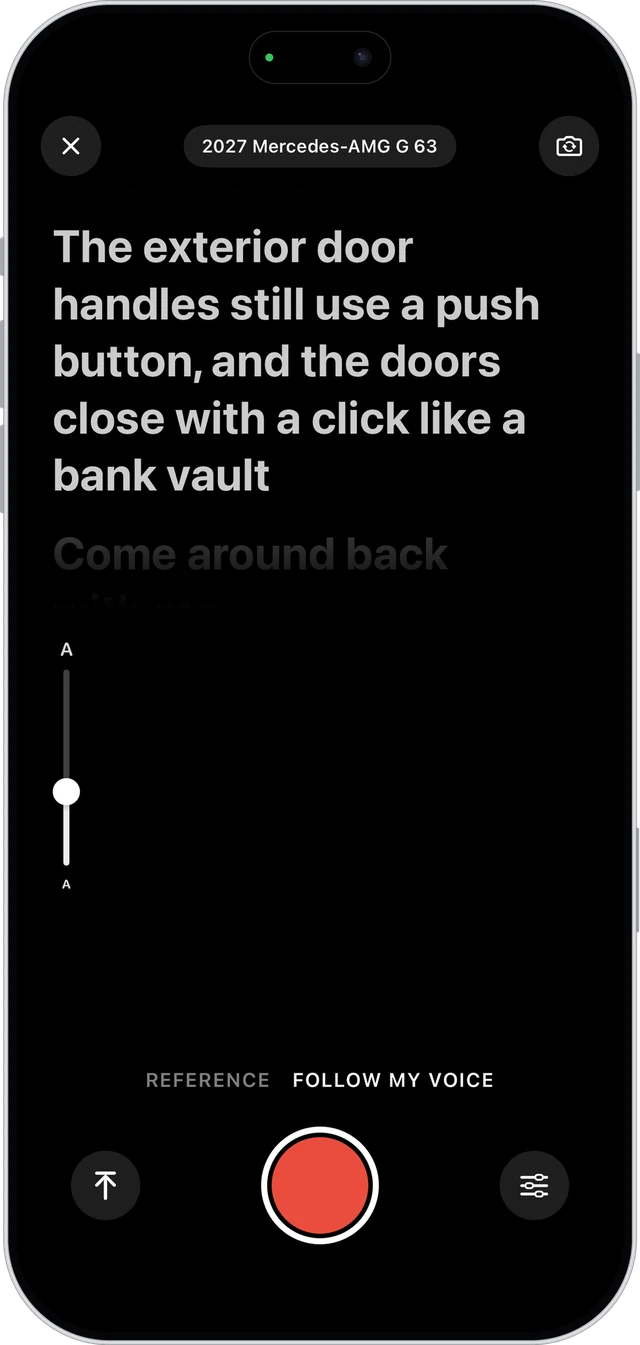
Follow my voice keeps your script right under the lens and moves when you talk, so your eyes stay on camera. The line you're on lights up, the rest fade back. Lose your place? It waits for you.
Reference is a still checklist for people who'd rather riff. Glance at it, hit the point, tap to check it off. The next one is highlighted, and the car stays visible behind it.
A slim slider on the left changes the text size mid-take, so nobody has to start over.
Pick your dealership once. From then on, every scan pulls the paint, interior, miles, CPO status and full equipment list from your store's own website, new or used.
Works with Dealer.com, Dealer Inspire, DealerOn and Team Velocity sites and every Porsche dealer, plus factory data for new BMW and MINI. Anything a listing leaves out, tap it in.
Every scan comes with a true, surprising fact about that exact model, plus more to pick from. Sales consultants sound like product experts on every car on the lot.
The very first BMW X5 rolled off the Spartanburg, South Carolina line on September 1, 1999.
Quick Tour is the one a busy customer finishes: the look, what's under the hood, the best of the interior and one fun fact, in about 30 seconds.
Full Tour is for the customer who's almost ready. It walks the outside, then the cabin seat by seat, with the power, tech, safety and fun facts LotTake found on that VIN, in about two minutes.
Either way it sounds like you walking the car, not a spec sheet: outside first, then under the hood, then inside, with no repeats. Want it your way? Hand-pick every line.
Works with your dealership's texting tool or iMessage. Long videos get a one-tap "Make it fit" that keeps them 1080p and under the limit.
The teleprompter listens and scrolls as you talk. No speed to fiddle with.
Say or type who the video is for and the script is rewritten around them. Or just tap what they care about and how you want to close.
A personal message with the car and stock # is ready after every take. Edit it, copy it, or share it with the video.
Your recent customers are on the home screen. Tap one to film a follow-up with everything filled in.
Rather riff? Get a quick cheat sheet: Exterior, Under the hood, Interior, Tech, Fun facts.
Pulls miles, CPO, one-owner and equipment from your listing. Anything missing takes a few taps to add.
Snap the window sticker and every option, package, color and MPG becomes a talking point.
Verified standard features for top models from Mercedes-Benz, BMW, Porsche, Toyota, Honda, Ford, Chevy, Subaru and more.
Change a line on a car once and it stays changed for that car, every time anyone films it.
Outside, engine, seats, wheel, screen, roof, back seat, trunk. No repeats, no jumping around.
Tap "Take a test drive" in the app to film with five demo cars. No account, no sales call.
Your store needs to be signed up. Just looking? Tap "Take a test drive" in the app to try the demo.